Feature
Wired into your devices
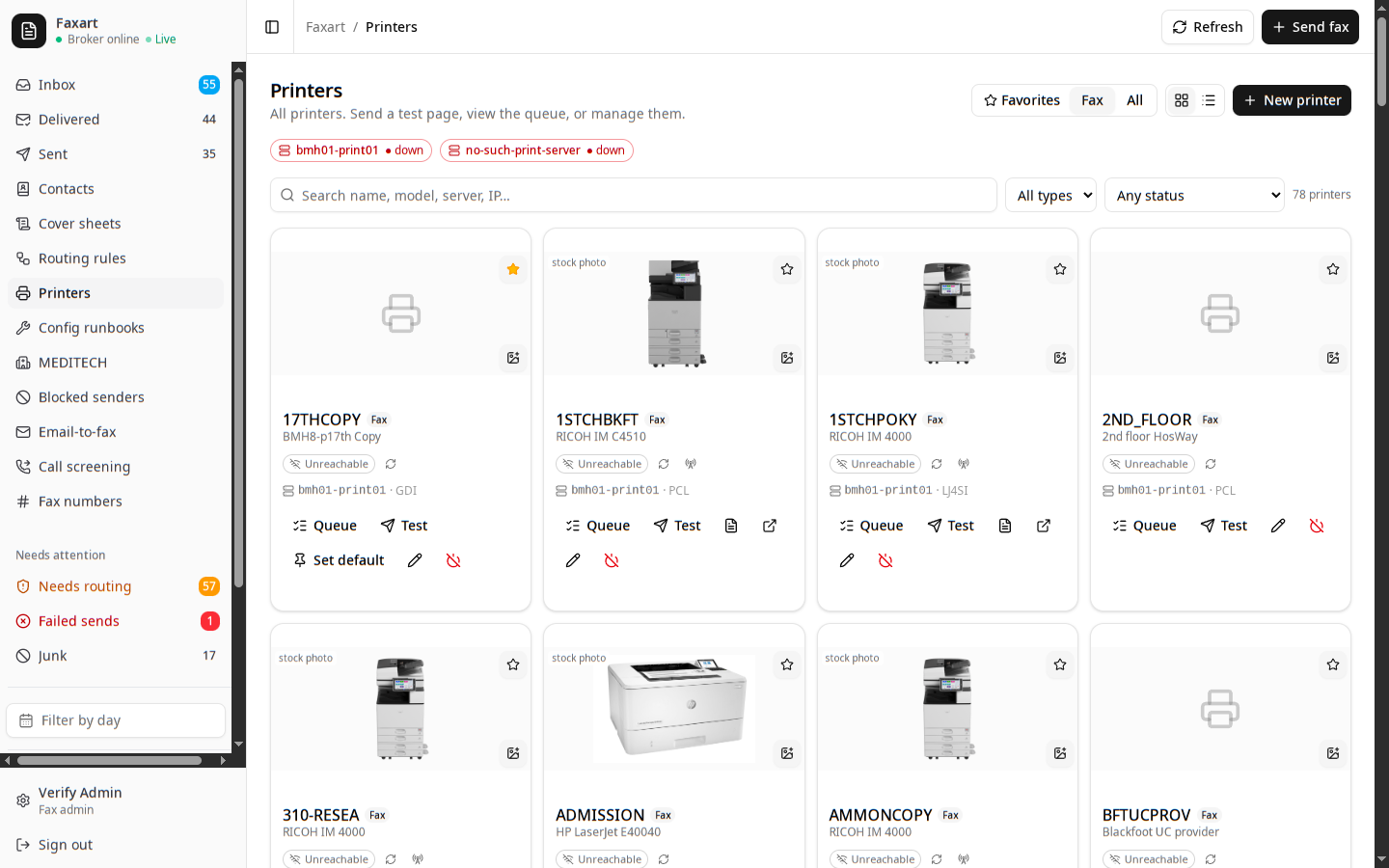
The Ricoh by the nurses’ station, the Sharp in the back office, the queues on the print server down the hall: the hardware the clinic already owns becomes part of how you work instead of something staff work around. You print to it, watch its status, and feed it the contacts it needs to scan.
What it does today
Fax straight to a tray
You can have an inbound fax land as paper, the way the old server did it. Point a DID at the Ricoh by the nurses’ station and the page prints there without anyone opening the web UI.
Add a printerLive device status
Jam, toner low, out of paper, offline: you see each queue’s real state, polled out of band rather than guessed. A failed print surfaces like a failed delivery, never silently dropped.
Add a printerAddress books on the copiers
You publish your contacts to the Sharp in the back office over read-only LDAP, in named books you choose to share. Staff pick a scan-to-fax or scan-to-email destination from the panel instead of typing a number.
Publish an address bookFavorites and drag-to-print
Star the printers you actually use and they float to the top with your default pinned. Drag a fax from the inbox onto one and it prints, no dialog hunting.
Set favorite printersRelated
Config runbooks
Batch the copiers' config changes, dry-run the diff, and apply behind a typed confirmation, every write audited.
Reading every page
What lands on those devices gets read, classified, and turned into a routable item, all on your own hardware.
The directory
The contacts the copiers query, the fax numbers behind each box, and self-service requests for a new one.
See it on your own fleet
Book a demo, or read how to wire up your first printer.