Feature
Configure the fleet, carefully
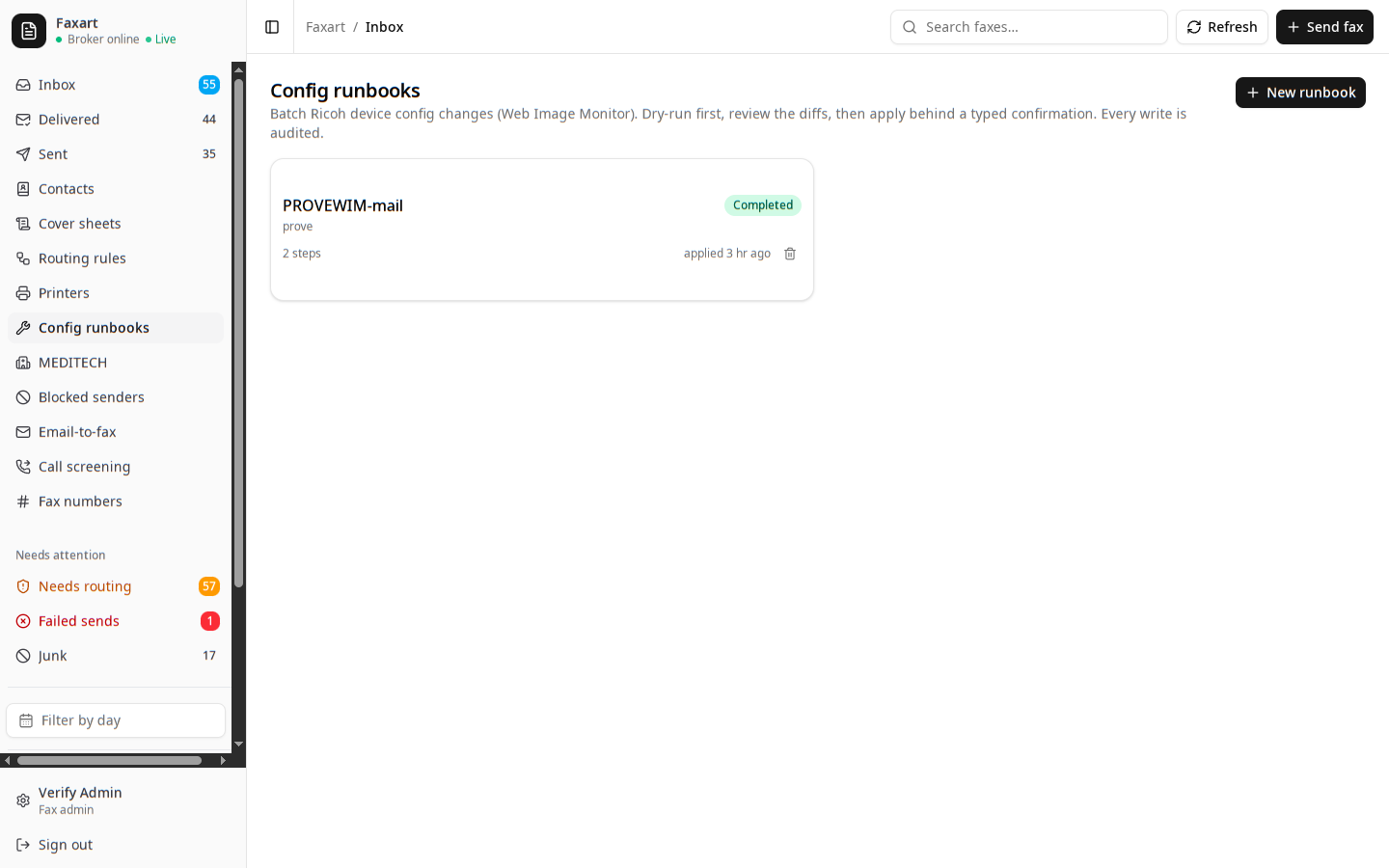
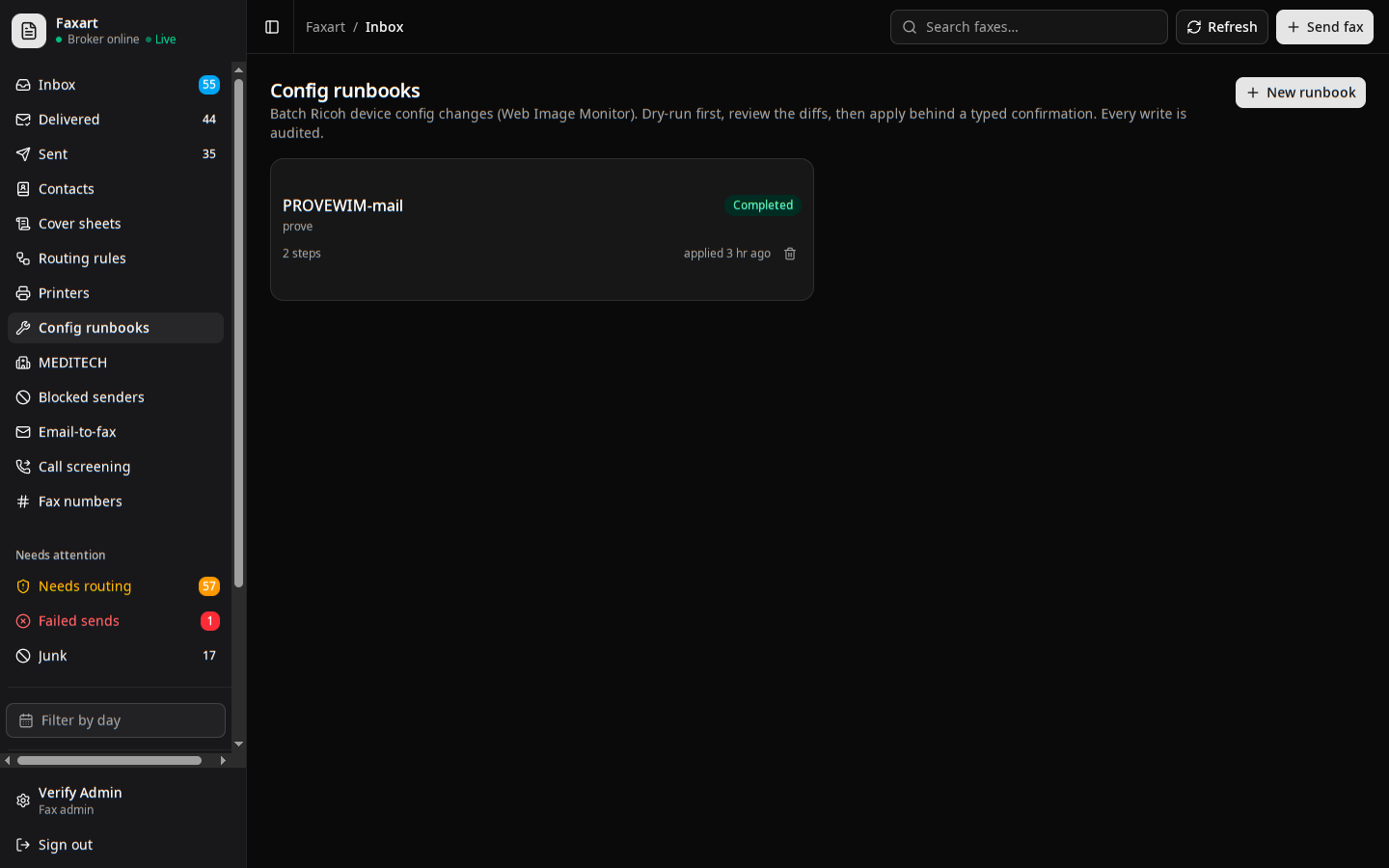
Pushing the same setting to every copier in a clinic used to mean a walk down the hall and a login per machine. With config runbooks you gather those changes into one batch, dry-run it, review it as a diff, and apply behind a typed confirmation, with every write written to the audit log.
What it does today
Change a fleet in one batch
You gather the config changes for a set of Ricoh copiers into one runbook, step by step, over the device Web Image Monitor. You touch a dozen machines from one screen instead of walking to each panel.
Author a config runbookDry-run before anything moves
You plan the runbook first, and it reads each device and caches the diff: here is what is set now, here is what would change. You review the whole batch as a diff before a single write leaves the broker.
Read a planned diffApply behind a typed confirmation
When you apply, you hit the guarded step: admins only, the device connection configured, and you type the runbook name back to confirm, the way a destructive action makes you spell it out. No accidental fleet-wide write.
How the apply guard worksEvery write on the record
Each applied step lands as a device-write entry in the audit log, written by the worker as the change goes out. What was changed, on which device, by whom, and when, is recorded the same way a PHI read is.
How writes are loggedRelated
See it on your own fleet
Book a demo, or read how a config runbook is planned and applied.