Feature
Read on your own hardware
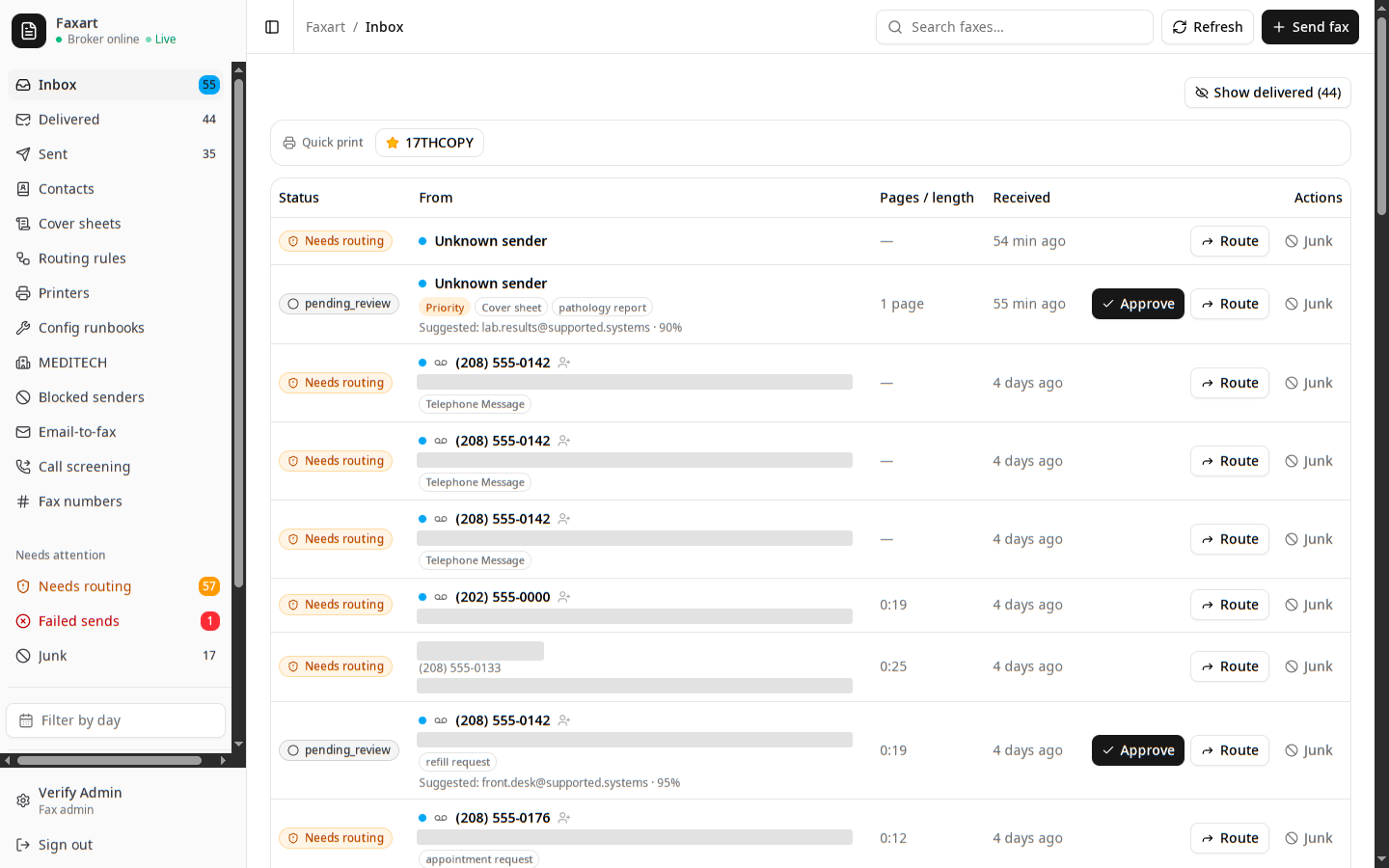
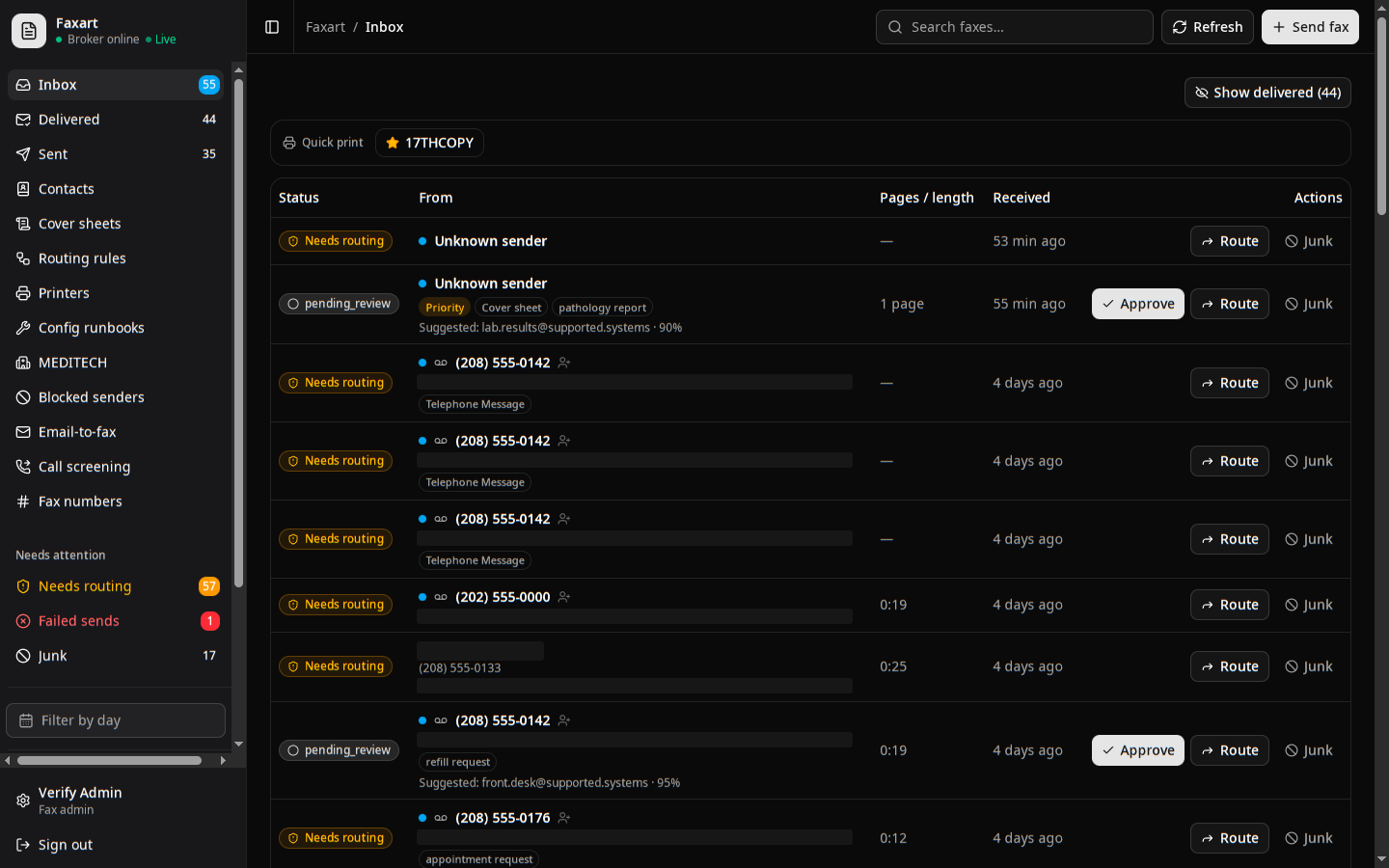
You keep each page and recording on your own hardware as it is read. OCR pulls the text, the values that matter are extracted, and the item is classified, all on the box in your rack. No image, no audio, no message ever leaves the building to be read.
What it does today
OCR and extraction
You keep each page on your own hardware as it is read and the values that matter are pulled out: document type, specialty, priority, and the patient identifiers you use to file it.
Write a routing ruleAlways-on baseline checks
You get the same first read on every item whether or not anyone wrote a rule for it: junk is flagged, a cover sheet is recognized so the document starts on page two, and an urgent page is tagged with the reason it looked urgent.
Block a senderVoicemail read the same way
You keep a recording on your own hardware as it is transcribed and then classified exactly like a page (same document type, priority, and junk checks) so you work a message and a fax as the same kind of item.
Set up voicemailNothing leaves the building
The image, the audio, and the message are read where they land. No cloud service sits in the path, by design. There is nowhere for a page to be sent off to be read.
Keeping PHI on-premRelated
Security and audit
Why nothing read here ever leaves the building, and how every read of a patient document lands on the record beneath the app.
Routing
What gets read here turns into a suggested destination a person confirms, driven by plain-English rules you write yourself.
Voice
Voicemail is recorded and transcribed on-prem, then runs the same reading and review path a fax does.
See it on your own stack
Book a demo, or read how the page stays in the building.