Feature
Numbers and directory, with AD as the source of truth
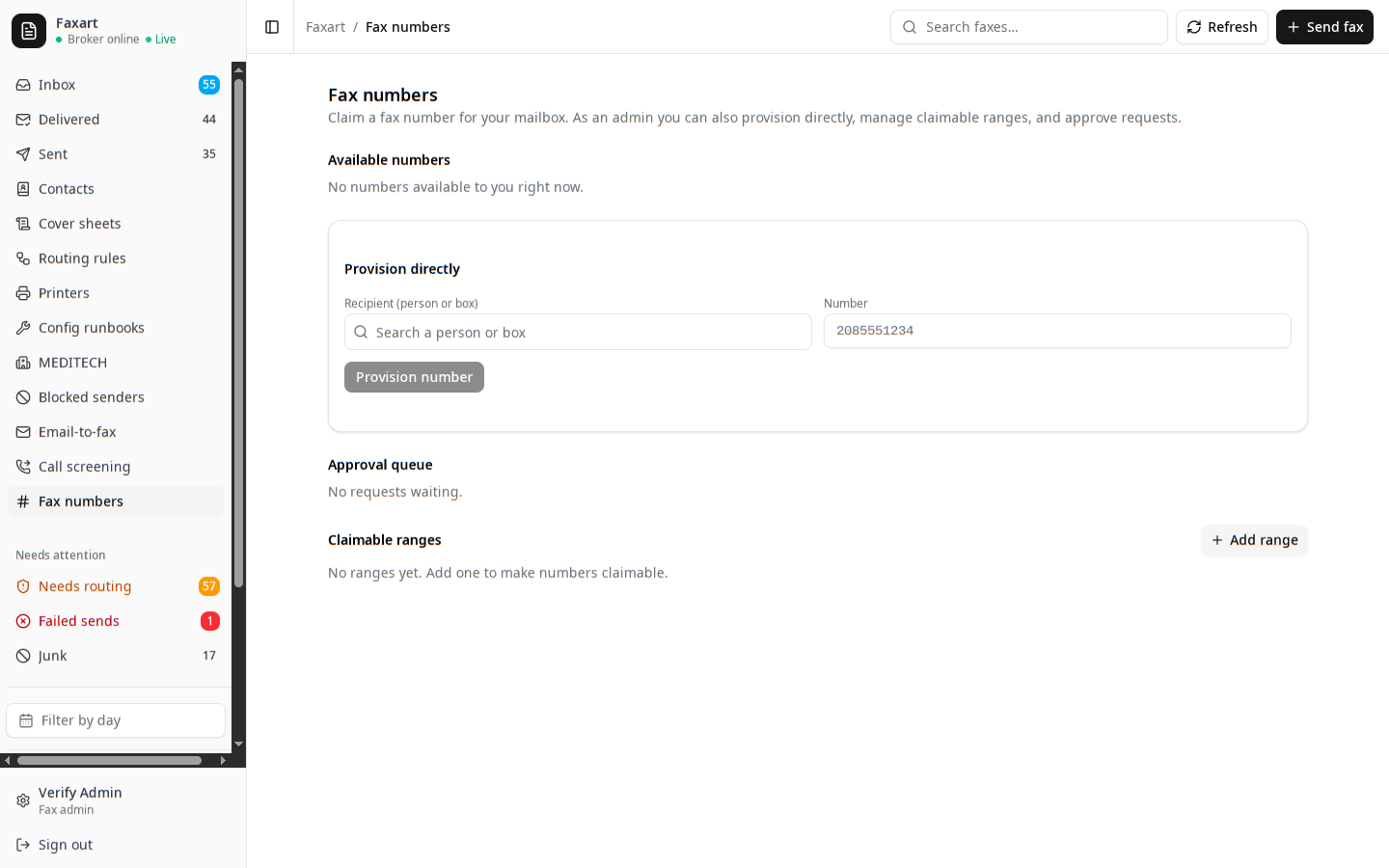
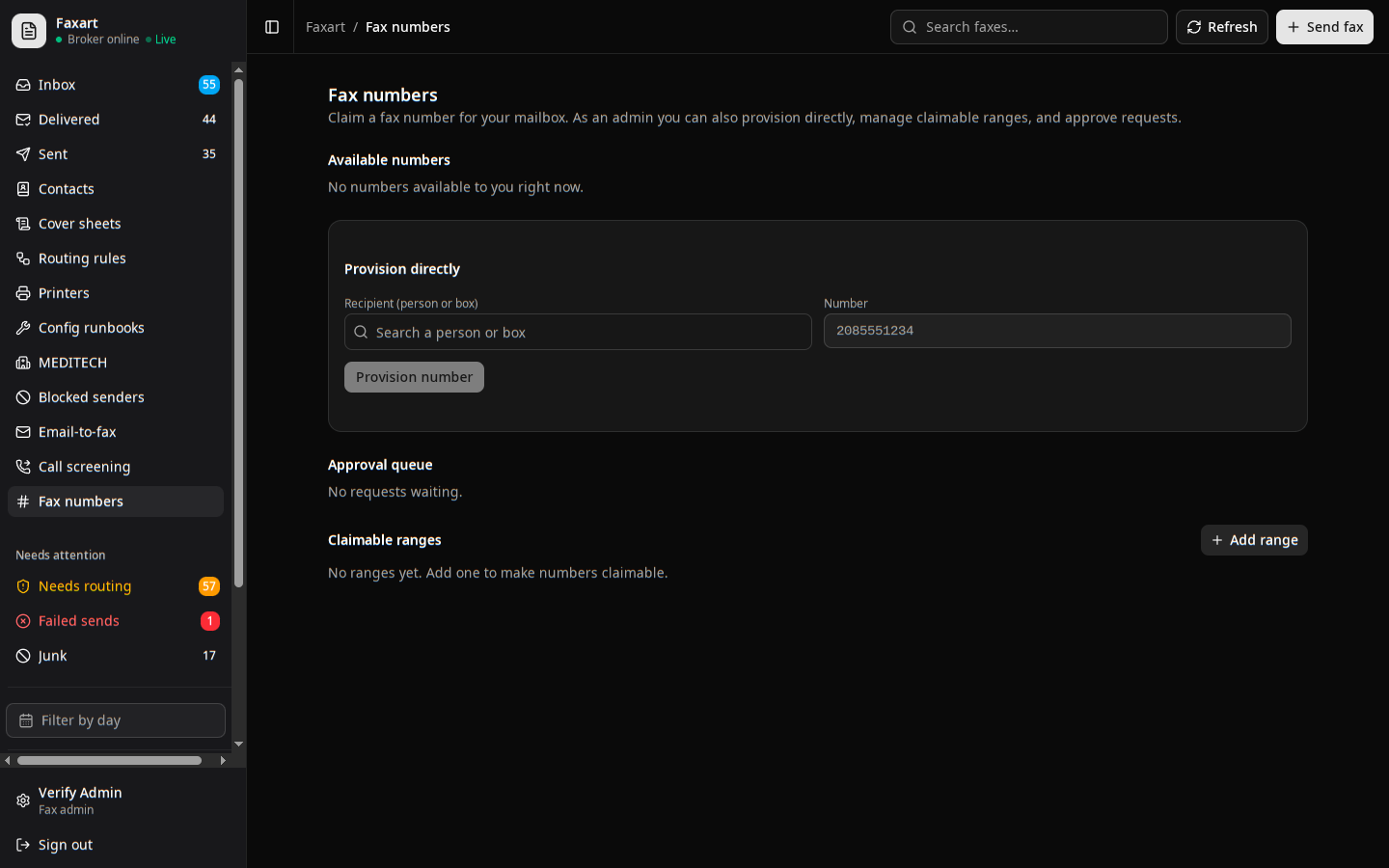
You find the right number and request your own, for yourself or a shared box, through a separate, audited write path. Active Directory stays the source of truth for who owns which number, so every inbound fax routes from the directory you already trust.
What it does today
Active Directory, read-only
A mailbox can own its main number and a handful of others, all routing to the same place. You set them in AD and Faxart only reads them, never overwrites them, so AD stays authoritative for who owns what.
Request a fax numberSelf-service numbers
You browse what is free and claim a number right from the app. The one write that touches AD goes through a separate, narrowly-scoped path and lands in the audit log.
Request a fax numberShared contacts
You publish a contact once and the whole floor sees it, instead of everyone keeping their own copy of the same lab line. Your personal entries stay personal.
Publish a contactAddress books on copiers
You gather contacts into named books and serve them to the Sharp and the Ricoh over read-only LDAP, so at the copier you pick a scan-to-fax or scan-to-email destination from the same directory you use in the app.
Publish an address book