Feature
Sending is just email
Put the fax number in front of @fax, attach a PDF, hit send. It goes out as a fax under your own caller ID, with a cover sheet on the front and a receipt back. The same address turns any copier's scan-to-email into scan-to-fax.
The address is the whole trick
The local part is the fax number; the @fax domain routes the message to the broker, which sends it on the trunk. Nothing to install on a workstation, and nothing new to learn: it is the email people already send.
Because it is just an address, the copier down the hall can use it too. Its built-in scan-to-email, pointed at <number>@fax, becomes scan-to-fax with no new firmware. The device sends under its own identity, not a borrowed account.
What it does today
The number is the address
Put the fax number in front of @fax: email a PDF to 5412084321@fax and it goes out as a fax. No fax client to install, no share drive to find.
Send a fax from emailYour copier can do it too
The copier already has scan-to-email. Point it at the same @fax address and scan-to-email quietly becomes scan-to-fax: walk up, scan, and the page faxes out, no new firmware.
Register a scan-to-fax MFPSent as yourself
Your fax goes out under your own number: a reverse lookup on your address sets your caller ID. Send with no fax number on file and you are refused.
Send a fax from emailCover sheets, prepended
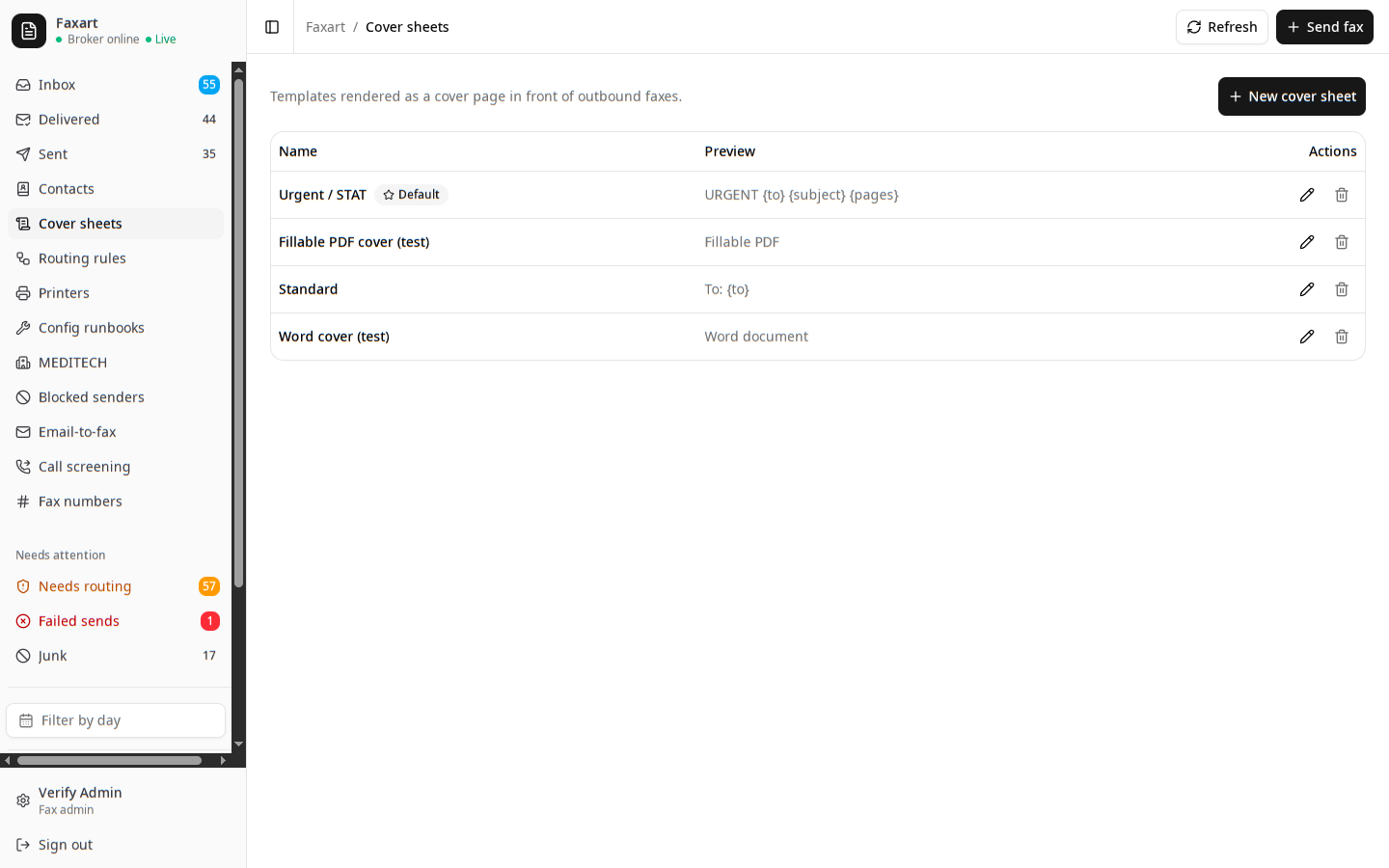
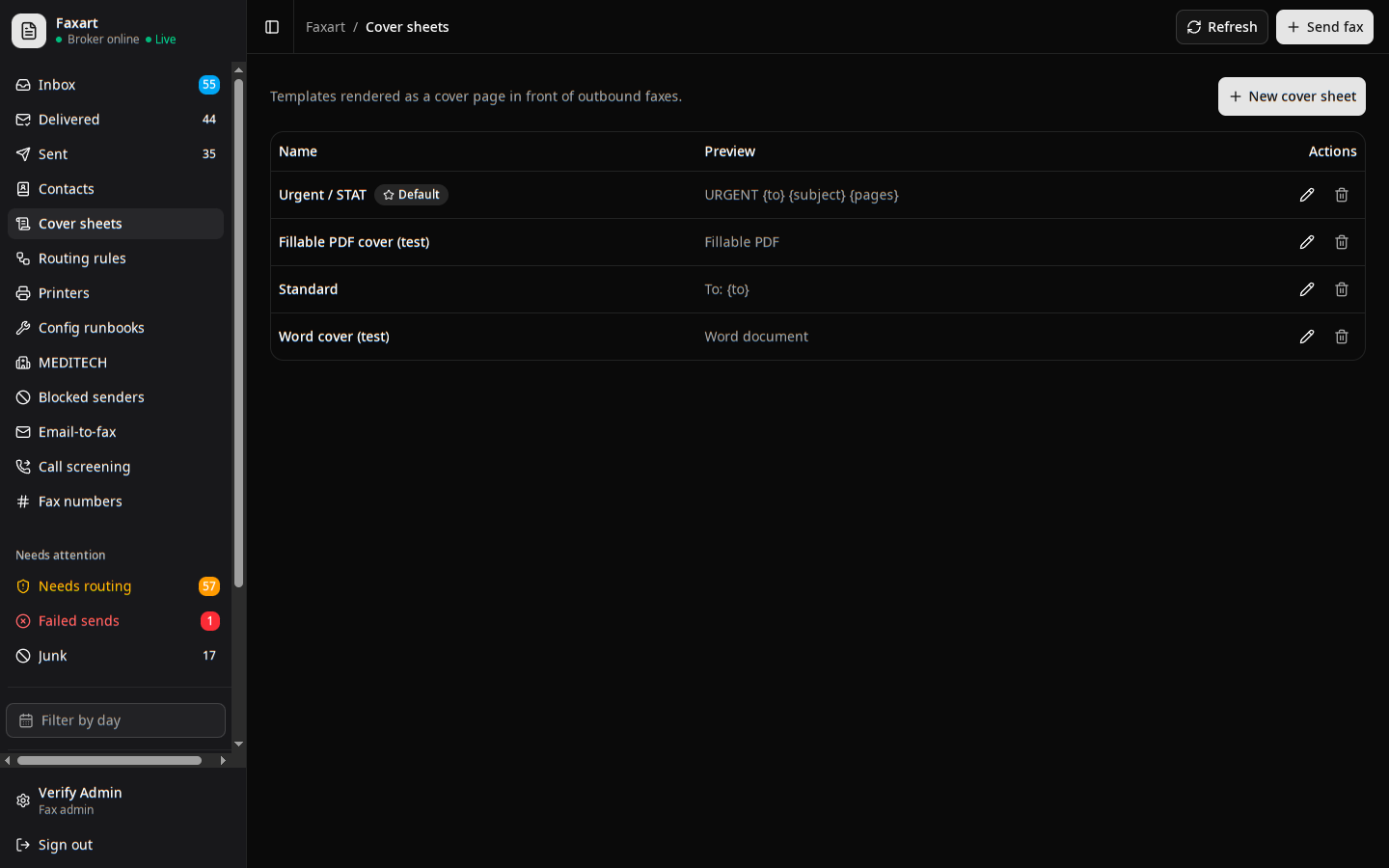
You get a branded cover page on the front of every outbound fax automatically, with the to, from, page count, subject, and date filled in.
Send a fax from emailReceipts and retries
You get a delivery or failure receipt either way, and retries run on their own queue so a busy line never loses the page.
Send a fax from emailRelated
See it on your own stack
Book a demo, or read how an outbound fax goes out.