Feature
Filed to the chart, the way you map it
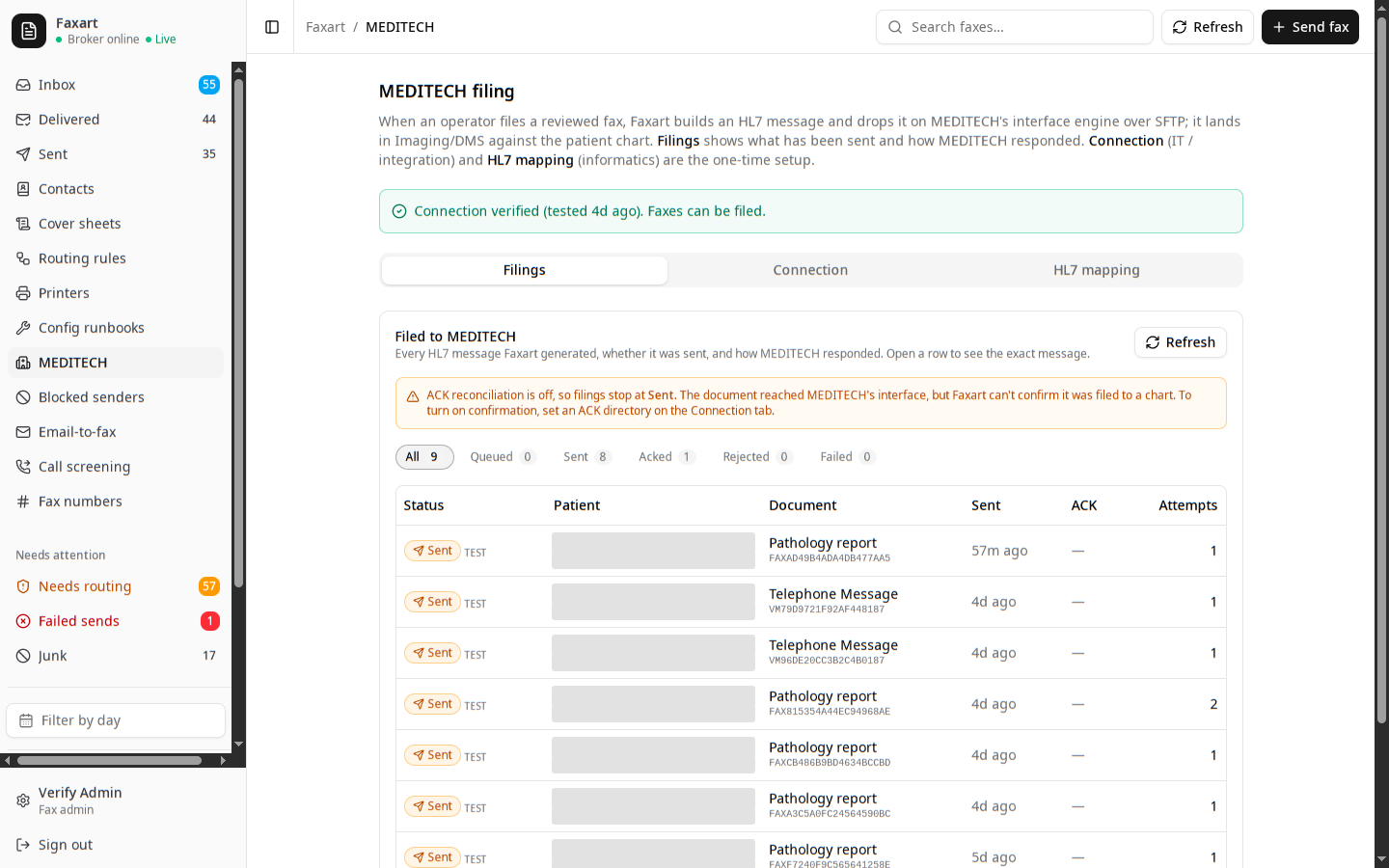
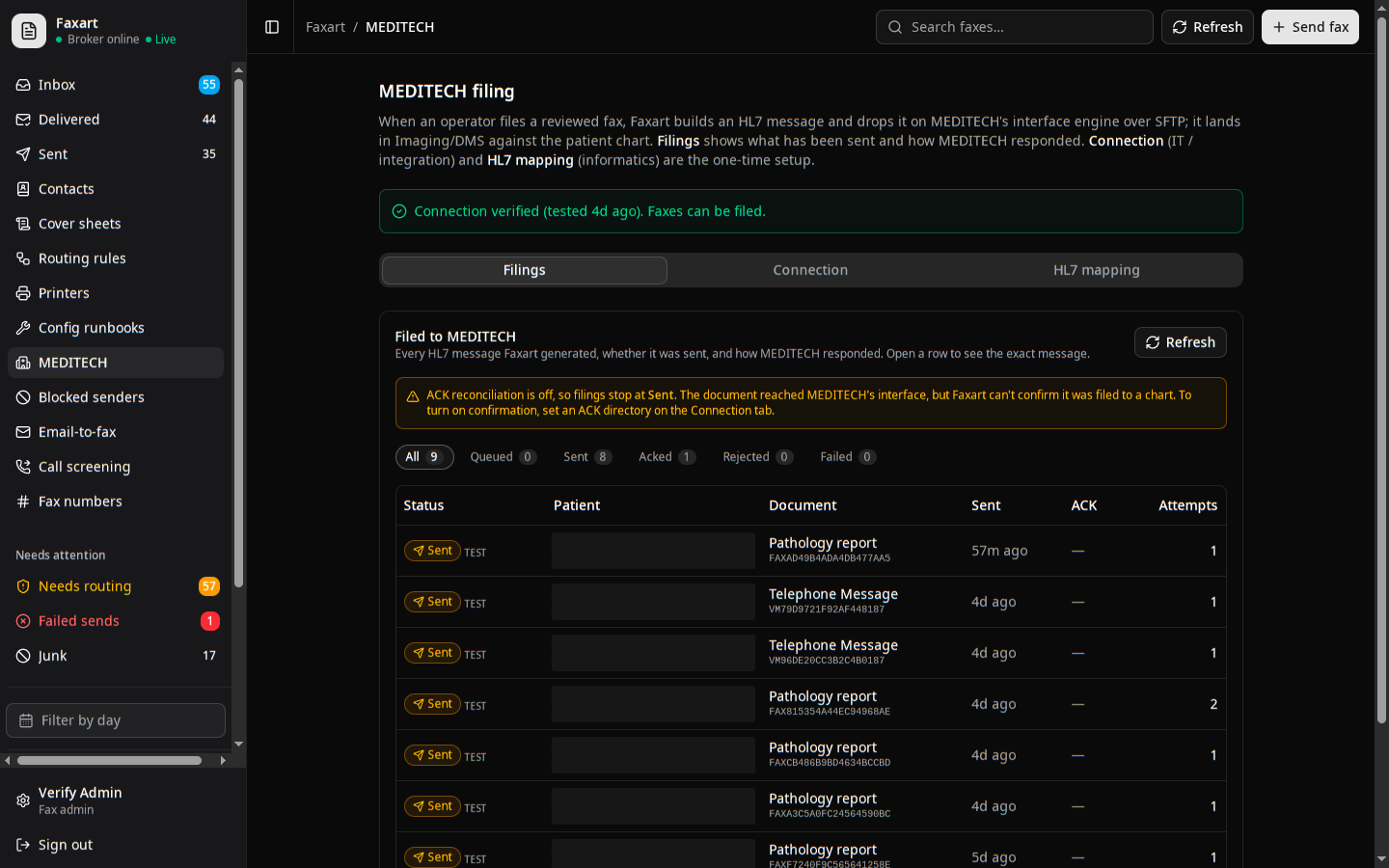
You read the document and confirm the patient before any of it is sent. Once you confirm, the extracted fields become an HL7 message your informatics team controls, dropped on the interface engine over SFTP, and filed into MEDITECH against the right chart.
What it does today
HL7 ORU or MDM
The extracted fields become a standard message indexed by patient, type, and date, so you find the document in the chart right where you already look for it.
Set up MEDITECH filingA person confirms the patient
You read the document and treat the suggested MRN, name, and date of birth as candidates to verify. You confirm the patient, and only then does anything reach a chart.
How confirmation worksInformatics owns the mapping
The field map is config your team controls, not an integrator’s black box. Your informatics team reconciles it against the interface spec and keeps it current, on your own terms.
Map the fieldsDropped over SFTP
The message lands on your interface engine, which files it to imaging or DMS, indexed and linked to the patient chart, so you open it from the chart like any other result.
Configure the transportRelated
Filing
The confirm-and-deliver step in full: a person approves, then the document reaches the chart and the people who need it are told, wherever they happen to be working.
Routing
How a document gets to the right person in the first place: plain-English rules a person can author, and a review queue before anything moves.
See it on your own stack
Book a demo, or read how a confirmed document files to the chart.